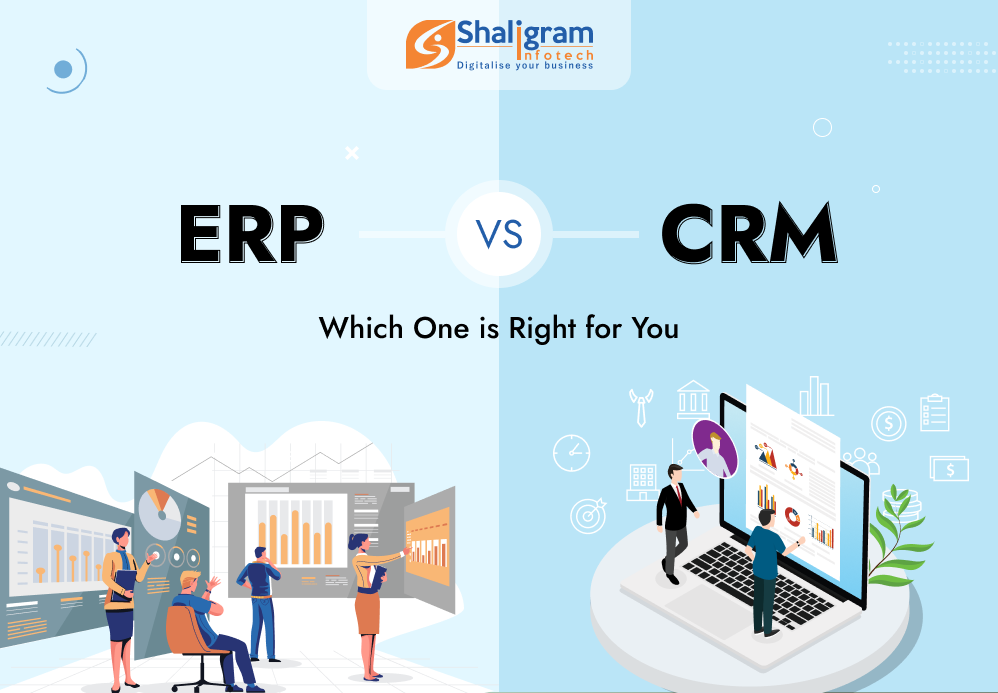
The rising trends in technology have paved the way for two automation tools that can help businesses achieve efficiency. They are CRM and ERP systems. At first glance, both may seem to be more or less similar to the general audience. However, if you try to know them better, you will understand that there are some deep differences in their functionalities.
Here in this article, we will try to understand both these systems and their features in detail.
What is ERP?
ERP or Enterprise Resource Planning is a powerful system that is used to streamline business operations. It centralizes business data thereby managing and optimizing the everyday processes. For businesses, it can also help with a reduction in overhead and labor costs.
A typical ERP solution is composed of different modules which take care of different operational areas of the business. An ERP system will come with a module for inventory management while another module will manage employees. There are modules to manage financial transactions and another one to manage transportation.
Together all these modules work in sync with each other to provide a comprehensive view of all departments at the organizational level. This helps in achieving better communication and data sharing among the departments.
ERP system is either deployed on the cloud or on-premises. Such a solution can be beneficial for both small businesses and large enterprises and help them boost their efficiency and profitability. It helps businesses make quick decisions while reducing the chances of errors.
Features of ERP
- Supply chain management
The main reason why manufacturers prefer ERP system is because of the support it offers in inventory management, production plans, and data analysis. All these together help the business use resources wisely and enhance the responsiveness of the supply chain.
- Financial management
This module helps in the management of general ledger and financial accounts. It tracks all the costs linked with the business, like salaries and benefits provided to employees, office rent, utility bills, the budget set for procuring raw materials, etc. Such comprehensive financial data helps businesses streamline their spending and reduce any bottlenecks by forecasting spending accurately.
- Customer relationship management
Some of the ERP solutions in the market offer CRM functionalities that help in monitoring customer interactions and data. It helps to make better marketing and sales efforts by having a better understanding of the preferences and needs of customers.
- Human resource management
The ERP system helps human resource teams to automate different time-consuming repetitive tasks. Most ERP systems manage the data of employees, develop training programs, evaluate performance, monitor benefits, and post job listings.
- Project management
This module in the ERP system makes resource allocation, handling task assignments, and tracking projects simple and easy. It is also possible to find and avoid bottlenecks in the project workflows using this system.
What is CRM?
ERP has been developed in a way to focuses on business and its activities while CRM is focused on achieving customer satisfaction. CRM or Customer Relationship Management system automates and improves interactions of an organization with its existing customers and potential prospects. CRM system is designed in a way that it can serve any kind of business to improve its core performance keeping customers in mind.
An ideal CRM system improves the performance and efficiency of your sales and marketing team by saving their time and resources. CRM collects different data related to customer interactions, purchase history, demographics, etc. to draw conclusions. The collected information is analyzed, and it is used to plan out tailored marketing efforts, boost customer service, and find sales opportunities.
CRM helps businesses to track and follow customer communications and respond to their requests and queries at the earliest. It automates different sales processes in a business, like generating and nurturing leads, and forecasting sales which eventually help in boosting profits and team productivity.
Features of CRM
- Lead/opportunity tracking
This feature helps in managing and tracking any of your potential sales opportunities. Your sales team can prioritize the potential leads and plan follow-ups right from initial contact to final conversion.
- Contact management
This feature tracks communications and interactions of clients to come up with a segmented database. To personalize messages sent to individuals based on their specific position on the sales funnel, sales and marketing teams make use of the customer data.
- Sales forecasting
This feature helps you know whether your sales efforts are effective or not. It will indicate if it is time for you to try out a new approach. With it, it will become possible to analyze past performance and predict revenue based on that and also to plan out future sales activities.
- Marketing automation
With this feature, it becomes possible for marketers to target their potential customers strategically at the beginning of their buying journey. Based on their position in the sales funnel, the marketing team can trigger different messages and keep analyzing their results to enhance the effect of the campaign.
- Integration
CRM allows integration with third-party tools like accounting software, email, and project management systems. Moreover, to chat with customers and to track visitors’ activities on the website, it provides integration of chat and web analytical tools.
- Analytics and reporting tools
This feature tracks important metrics like sales performance, customer acquisition and retention, and the effect of marketing efforts. Access to the tool can be given to multiple users.
To what extent are CRM and ERP similar?
CRM and ERP – both are business applications that are used to store and analyze data. Such data is present in a relational database. Both of these solutions are either delivered on the cloud as a Software-as-a-Service (SaaS) or on-premises the traditional way.
When do you need a CRM?
When you plan to invest in a software system like CRM, it is important to be clear about whether you need it for your business or not. A CRM system can be suitable when: –
- You are planning to take your business to the next level, and you want to have a system in place that can boost your revenue.
- When your sales baseline is low. It requires you to have more information on the goods or services offered by your business. Departments that are facing customers need to have more data on existing customers and prospects.
- You have a disorganized sales process. Your leaders are not able to come up with an effective strategy targeting positive accounts or regions.
- You are not able to retain your existing customers. Apart from keeping your current customer loyal, it becomes expensive for the company to acquire new customers.
When do you need an ERP?
Sometimes, your above-mentioned answers may not get resolved by a CRM system and you may have to think about ERP. An ERP system can be suitable when: –
- You are spending more on your business operations than is required.
- Your business is not able to respond to customer demands and market trends accurately and quickly because of data silos.
- Your business needs help to stay compliant with the industry-specific regulations or to manage risks.
- You want to expand your business in new industry domains or regions.
- You want to find out about the efficient workflows and industry-level best practices to save time and money.
What to choose – CRM or ERP?
Both ERP and CRM are exceptional business solutions and come with their own set of strengths and weaknesses. Whether you need a CRM or ERP completely depends on the requirements of your business. CRM helps you improve your front-end processes while ERP helps you strengthen your backend. CRM can help you make more profits while ERP helps you reduce your overhead costs. So, depending on your business size, its requirements and future growth plans, choose CRM or ERP as suits.